Photos for a coach Google Business Profile: what to upload first
A practical photo checklist for coach Google profiles and websites: portrait, session setting, equipment, venue, and proof of real work.
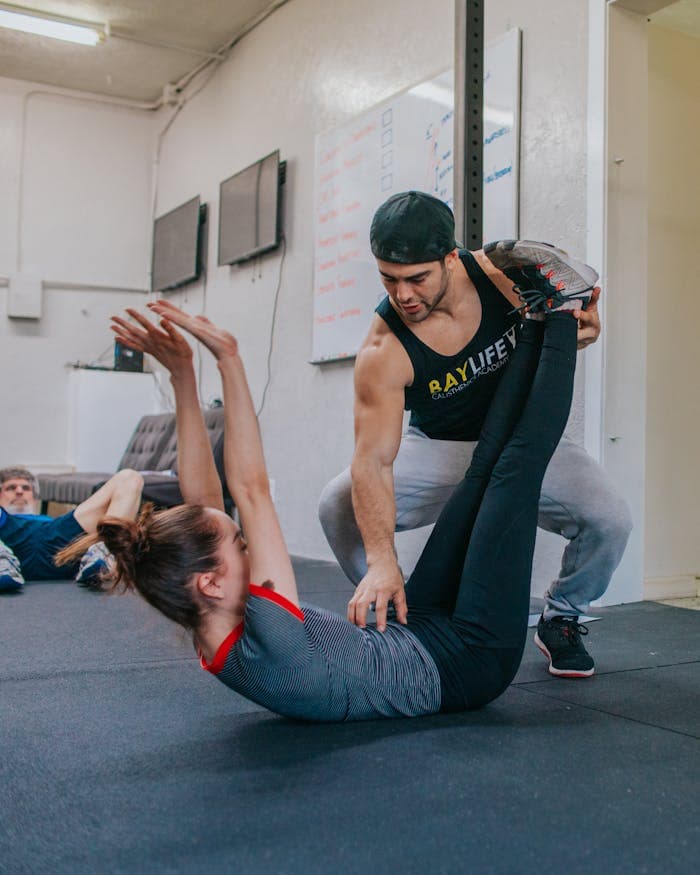
Coach
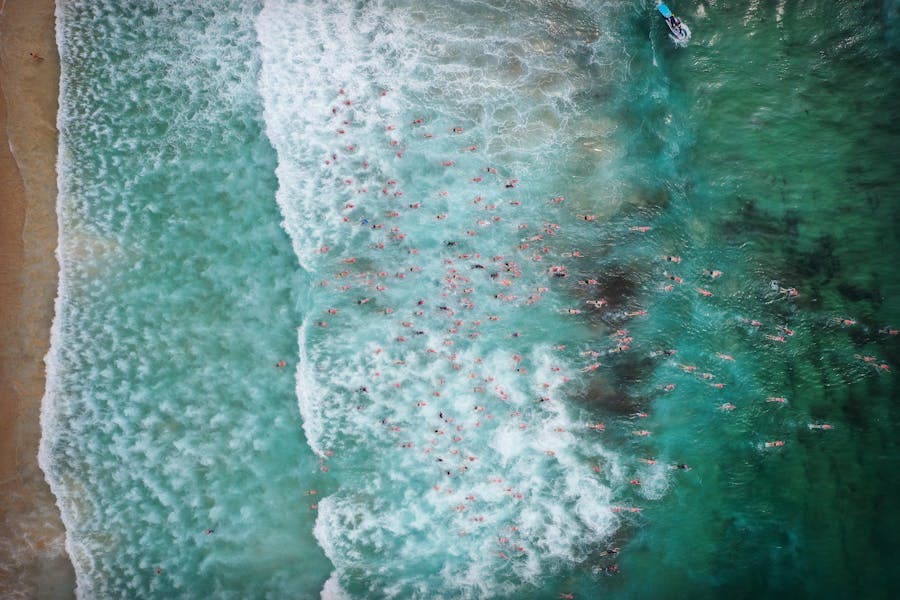
Session
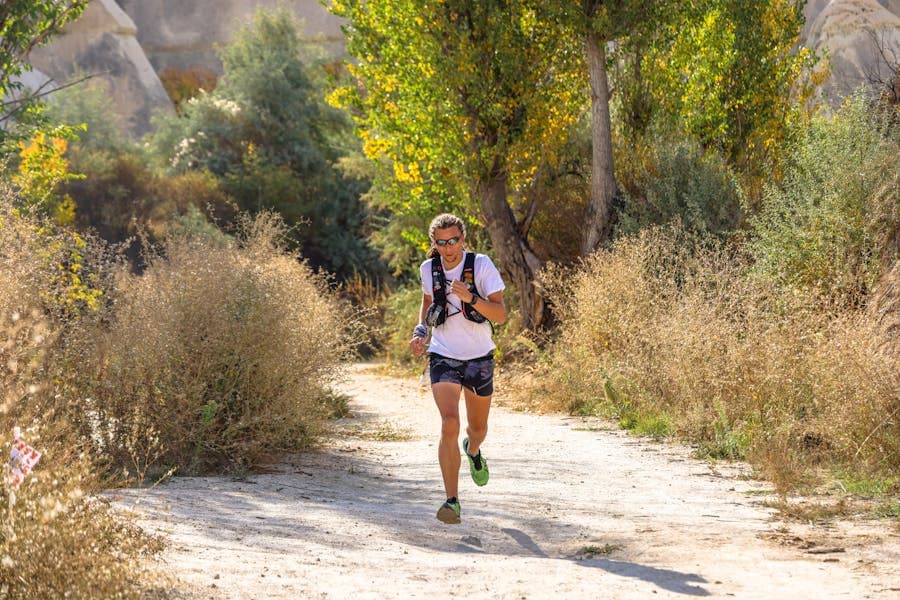
Venue
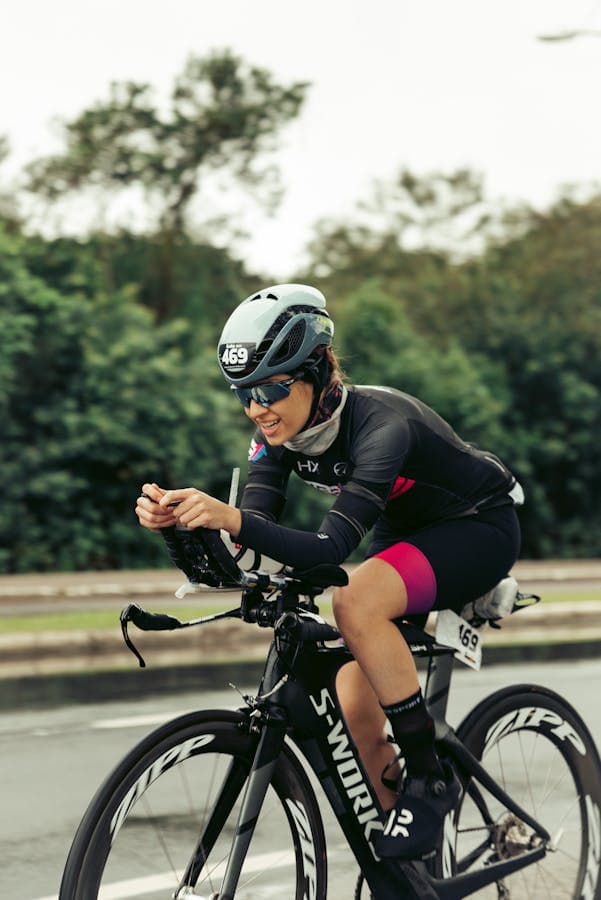
Portrait
Photos make the practice feel real
Prospects want to see the coach, the setting, and the type of work. A profile with only a logo or generic image asks people to trust too much.
Upload these first
- A clear portrait of the coach.
- A real coaching setting or venue.
- A session photo with permission.
- Relevant equipment or workspace.
- A cover photo that matches the website.
A simple photo shot list
- One clear head-and-shoulders portrait.
- One wider photo showing the coach in the normal coaching environment.
- One detail photo of equipment, notes, studio, track, pool, desk, or materials.
- One local context photo when location matters.
- One group, clinic, or workshop photo only with permission.
- One image that can also work as the website hero or service-page image.
Photos by coaching type
Running coach
Track, park, and plan review
Use a portrait at the track, a coaching-session photo with permission, and one photo of the plan review or shoes/equipment setup.
Career coach
Calm workspace and session setup
Use a natural portrait, a desk or call setup, and one image that shows the environment without exposing client notes.
Strength coach
Studio, movement, and equipment
Use the studio, coach demonstration, and equipment photos that match the services listed on the website.
Avoid misleading photos
Do not use stock-like images that imply facilities, athletes, or outcomes the coach does not have. Specific and honest is better than polished and vague.
Reuse photos on the website
The same real photos can support the Google profile, website hero, service cards, event pages, and local flyers. Consistency helps people recognize the practice after they move from Google to the coach website.
How Coloseos helps
Coloseos reuses coach photos across Site, flyers, blog posts, events, and Google prompts so the public presence feels consistent.