Google Business Profile for coaches: a practical setup checklist
Set up a coach Google Business Profile with service area, categories, photos, services, reviews, replies, and a website that backs it up.
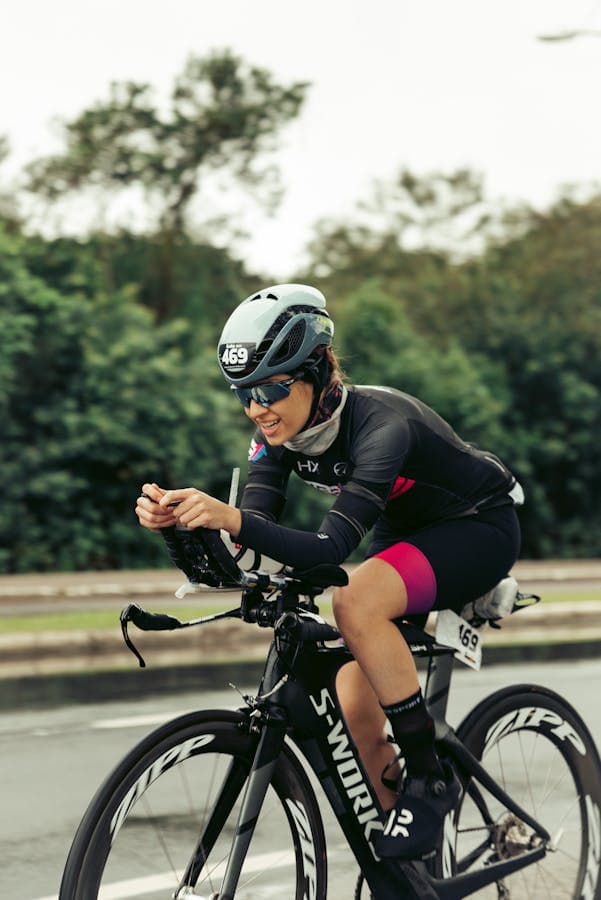
Sofia Marin Coaching
Running coach in Valencia
Service area
Valencia + remote
Hours
Updated this week
Photo set
Training, coach, venue
Use Google for local trust, not as your whole website
A Google Business Profile can help a local coach appear credible when someone searches nearby. But the profile should point to a website that explains the coach properly: services, proof, photos, blog posts, events, legal pages, and a request form.
Check eligibility first
Google Business Profile rules depend on how and where the business meets customers. Coaches should check Google's current guidelines before creating or changing a profile, especially if they do not meet athletes in person.
Profile basics to prepare
- Business name that matches the real coaching practice.
- Primary category and relevant secondary categories.
- Service area or location details when applicable.
- Website URL that points to the coach page.
- Phone or contact method the coach actually monitors.
- Photos that show the coach, setting, and work.
Fictional setup
Sofia Marin, strength coach in Valencia
Sofia's Google profile should match the real business name, show the training studio and nearby service area, and link to a website page that explains her beginner strength and return-to-training offers.
- Photos: portrait, studio, equipment, and one small-group session with permission.
- Services: beginner strength assessment, 8-week strength block, and monthly coaching.
- Website: the Coloseos public Site page, not a generic social profile.
Choose categories and services carefully
The category should describe the real business, not every possible search term. A running coach, strength coach, yoga coach, swim coach, career coach, or vocal coach may need different category choices depending on how they work and what Google offers in that market.
Services should be written for people comparing options. A service called 'personal coaching' is too vague. A service called 'beginner strength assessment' or '12-week marathon preparation block' gives the visitor a clearer reason to click through.
- Use one primary category that best matches the real practice.
- Add secondary categories only when they describe real services.
- Name services with audience, format, or outcome context.
- Keep service descriptions short and consistent with the website.
- Avoid adding categories only because competitors appear under them.
Descriptions should sound like a coach, not a directory
The description should explain who the coach helps, what outcomes they work toward, and what the first step looks like. Avoid keyword stuffing. Clear beats clever.
Weak description
Best personal trainer Valencia strength coach fitness coach gym coach online coaching.
This is keyword stuffing. It reads like it was written for a search box, not for a person deciding whether to contact the coach.
Better description
Strength coaching for adults in Valencia who want to train consistently without guessing what to do each week.
This version names the audience, place, problem, and coaching rhythm, then the website can carry the longer service details and request form.
Photos should prove the practice is real
Photos are one of the quickest trust signals on a Google profile. The goal is not to look like a stock gallery. The goal is to show the coach, the setting, the equipment, the venue, and the kind of work a prospect can expect.
Use permissioned real photos whenever possible. A profile with only logos, motivational graphics, or generic scenery makes the coach harder to trust.
- Portrait photo of the coach.
- Session photo that shows the coaching environment.
- Venue, studio, gym, field, pool, office, or local meeting place.
- Equipment or materials used during coaching.
- Group or workshop photos only when participants have given permission.
Reviews matter because they reduce risk
A short, specific Google review can do more than a polished slogan. Ask after a real milestone, reply with gratitude, and reuse the strongest proof on the website when you have permission.
Do not offer discounts, gifts, or other incentives for reviews. Ask real clients for honest feedback and make it easy for them to decline.
Connect the profile to a stronger website
The Google profile is often the first local trust touchpoint, but it is rarely enough to explain a coaching practice. The website should carry the detailed decision work: services, prices or ranges, testimonials, credentials, articles, legal notes, and the request form.
Use the same business name, service language, location context, and photos across Google and the website. Consistency helps prospects feel they are looking at one real practice, not disconnected listings.
- Link the website field to the coach page or relevant landing page.
- Use the same phone number or contact route the coach actually monitors.
- Make sure the website request form works on mobile.
- Mention the same service area on the profile and website.
- Add selected reviews or testimonials to the website when permission allows.
Maintain the profile monthly
A Google Business Profile is not a one-time setup. Coaches should review it when services, locations, hours, photos, or website pages change. Small updates keep the listing accurate and prevent prospects from acting on stale information.
- Check contact details and website URL.
- Add one useful photo from recent real work when available.
- Review services and remove offers that are no longer open.
- Reply to new reviews without exposing private client details.
- Publish local events, clinics, or seasonal offers on the website and link from relevant Google surfaces when useful.
Common mistakes
- Using a keyword-stuffed business name that does not match the real practice.
- Choosing categories that do not describe actual services.
- Linking to a social profile instead of a proper coach website.
- Using only AI images, logos, or abstract graphics as photos.
- Ignoring reviews or replying with private details about a client.
- Setting up a profile before checking whether the business is eligible.
How Coloseos helps
Coloseos helps coaches save the listing URL, add the Place ID when useful, draft categories and descriptions, prepare review asks, and draft review replies. Google work stays in Grow and Site; the coach still manages the Google profile directly.